Media and global blocks
Two parts of sitefern save you repeated work: a single library for your images, and shared blocks you edit once and reuse across every page.
The media library
Every image you upload, whether as a cover for a post or inside a section, lands in the media library. From here you can see everything in one place, upload new images, and reuse an image you have already added rather than uploading it twice.
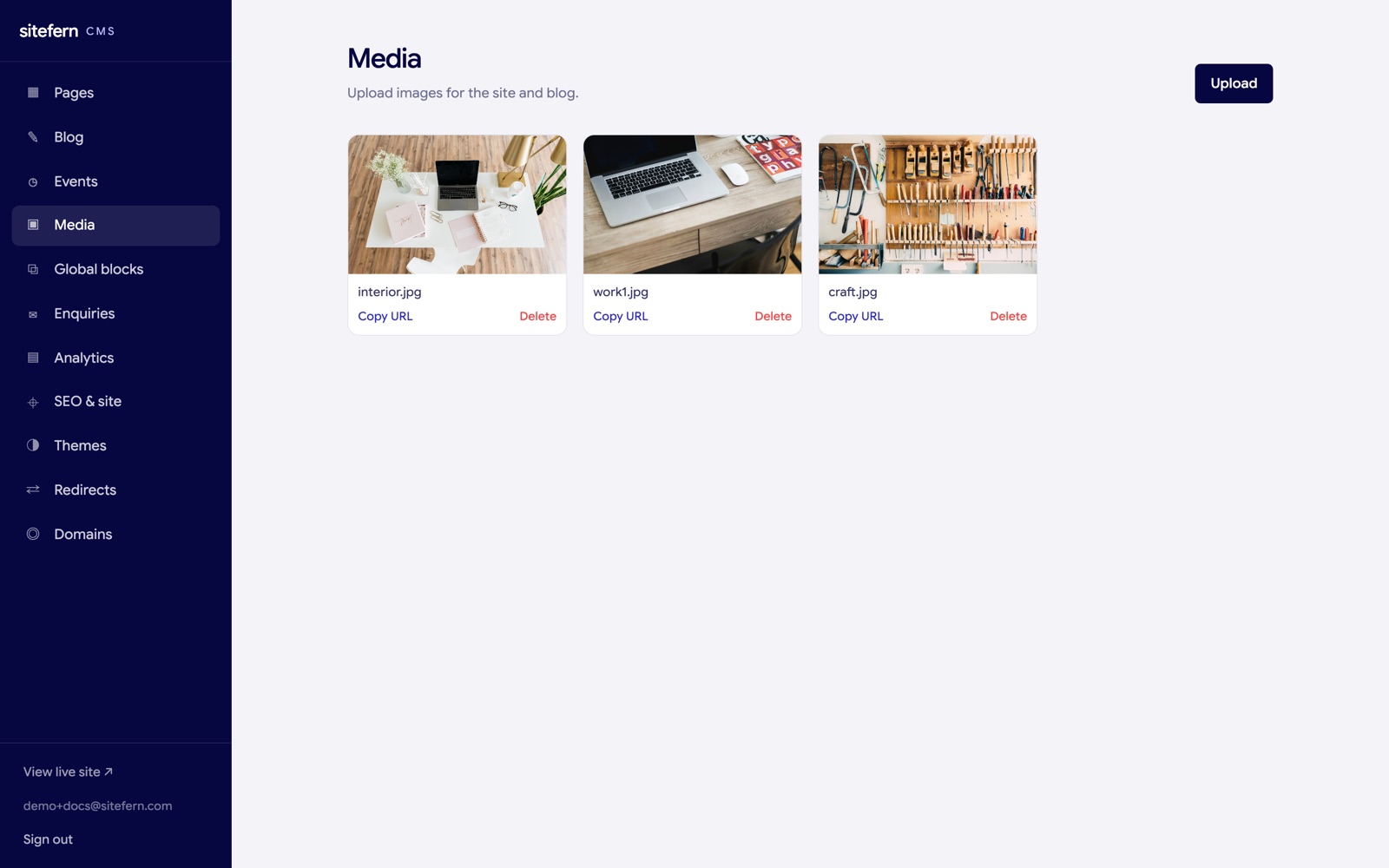
Each image keeps its alt text, which describes the picture for screen readers and for search engines. Setting good alt text is a small habit that helps both accessibility and how your images are found. When a section or a cover image asks for a picture, you can upload a new one or pick from the library with the Library button, so the same image is never stored twice.
Images you upload are optimised for you automatically: a large picture is scaled down to a sensible size and re-encoded in a modern, lighter format (WebP), so your pages stay fast without you having to resize anything first. Faster pages are better for visitors and for search ranking alike.
The gallery and lightbox
For showing off work, the gallery section displays your images as a tidy grid. When a visitor clicks one, it opens in a lightbox, a full-size overlay they can step through without leaving the page. It is the right block for a portfolio, a set of finished jobs, or a product range, and it draws from the same media library, so the images you upload are reusable elsewhere. The gallery is added like any other section, covered in sections and blocks.
Global blocks
A global block is a section you edit once and reuse on as many pages as you like. A footer call to action, a notice, a set of opening hours: anything you want to keep identical across the site and change in a single place.
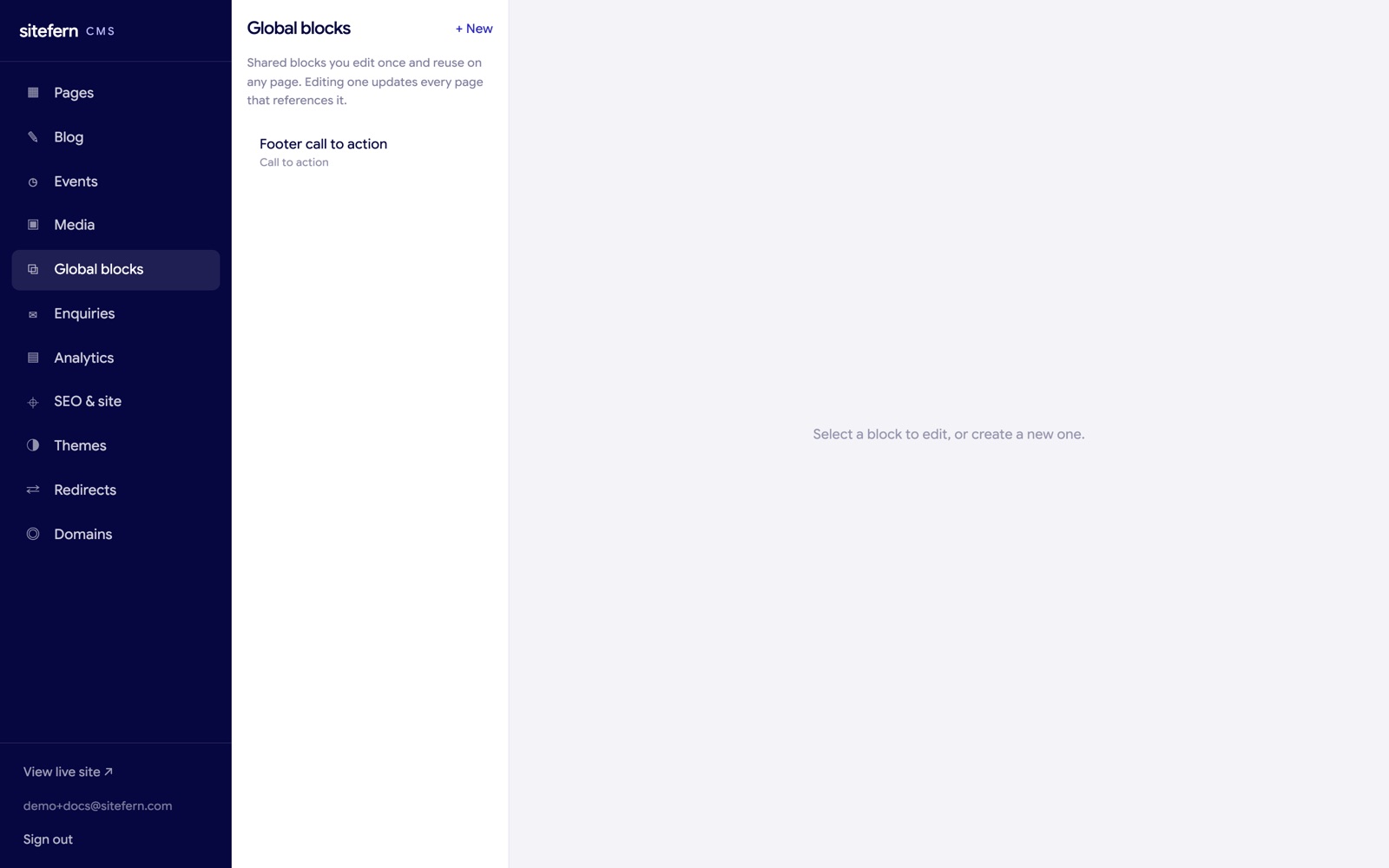
How global blocks work
You create a global block here, give it a name, choose which kind of section it is, and fill in its content with the same fields you would use in the page editor. Then, in the page editor, the Add section menu has a Global blocks group. Picking one inserts a reference to it rather than a copy.
On the page, a referenced block shows as linked and read-only, with a note pointing you back here to edit it. When you change the block on this screen, every page that uses it updates at once. If you remove a block, pages that referenced it simply drop it, with no broken content left behind.