API and webhooks
For developers: read your published content from anywhere over a simple JSON API, and have sitefern call your own systems when something happens. Both are per-site and need no servers from you.
API keys
The read API is authenticated with an API key, created on the API keys screen. A key is shown in full only once, when you create it, so copy it then; afterwards only a short prefix is shown. Keep it secret, and revoke a key at any time to cut off anything using it.
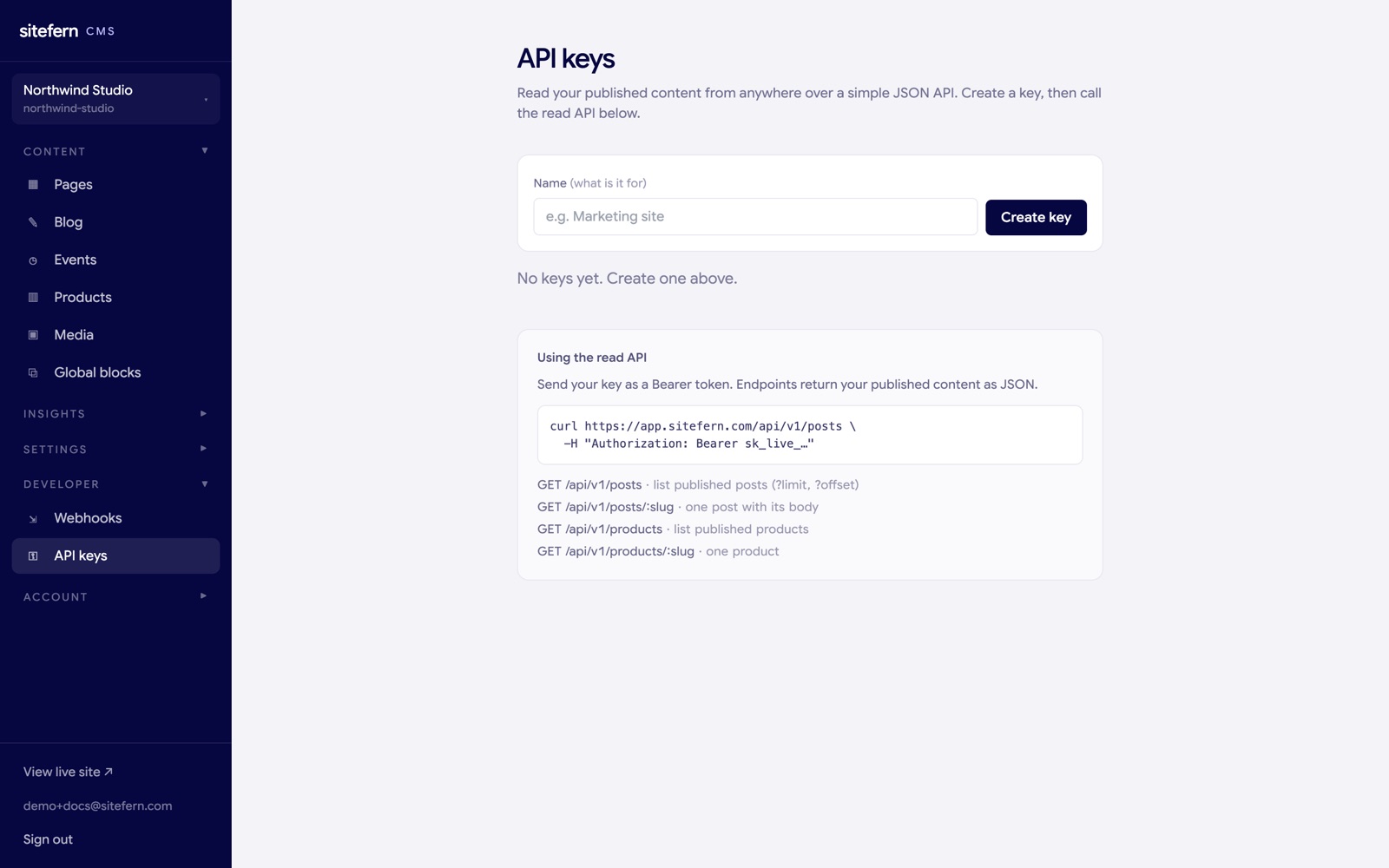
The read API
Send your key as a Bearer token (or an X-API-Key header). Every endpoint returns your published content for the site the key belongs to, as JSON.
curl https://app.sitefern.com/api/v1/posts \
  -H "Authorization: Bearer sk_live_…"
The endpoints:
- GET /api/v1/posts — published posts, newest first. Optional
?limit(max 100) and?offsetfor paging. - GET /api/v1/posts/:slug — a single post, including its full HTML body.
- GET /api/v1/products — published products. Same paging.
- GET /api/v1/products/:slug — a single product.
A list response carries the items and a pagination block:
{
  "data": [
    {
      "slug": "how-we-approach-a-new-project",
      "title": "How we approach a new project",
      "excerpt": "A short look at how the studio scopes and runs a piece of work.",
      "cover_image": null,
      "published_at": "2026-06-06T13:02:05Z",
      "category": null,
      "tags": []
    }
  ],
  "pagination": { "limit": 20, "offset": 0, "total": 1 }
}
A single post adds body_html and reading_minutes; a single product adds body_html and sku. A missing key returns 401; an unknown slug returns 404. The API is versioned at /v1 so the shape stays stable.
Webhooks
A webhook tells your own systems when something happens on your site, so you can push a new lead into a CRM, trigger a rebuild, or post to a channel. You add one on the Webhooks screen: a URL, the events to subscribe to, and whether it is active.
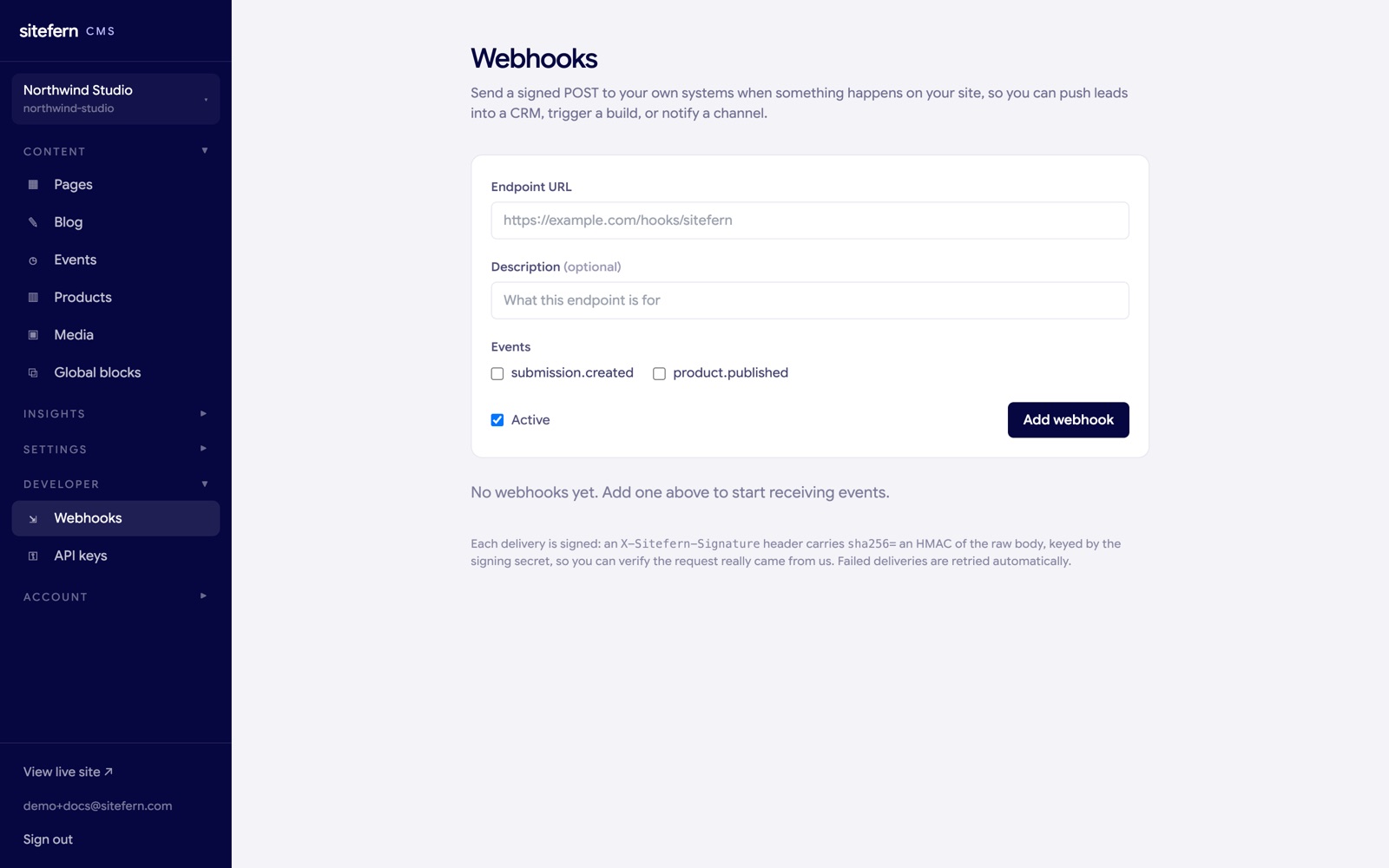
The events you can subscribe to:
submission.created— someone sent your contact form.product.published— a product went live.
When an event fires, sitefern sends a POST with a JSON body to your URL:
{
  "event": "submission.created",
  "data": { "id": "…", "name": "…", "email": "…", "message": "…", "page_path": "/contact" },
  "sent_at": "2026-06-08T10:15:00Z"
}
Two headers come with it: X-Sitefern-Event names the event, and X-Sitefern-Signature carries sha256= followed by an HMAC-SHA256 of the raw body, keyed by the webhook's signing secret. Recompute that HMAC on your side and compare it, so you can be sure the request really came from us. Failed deliveries, a non-2xx response or an unreachable endpoint, are retried automatically with backoff, and the screen shows each webhook's last delivery status. Use Send test to fire a sample event while you are setting it up.