Getting started
Everything you need to create a site, understand the admin, and look after your account. It takes a few minutes to be live.
How do I create a site?
You start a sitefern site from the signup page. There is no card needed for the free plan, and the site you create is a real one on a sitefern address, not a trial that expires.
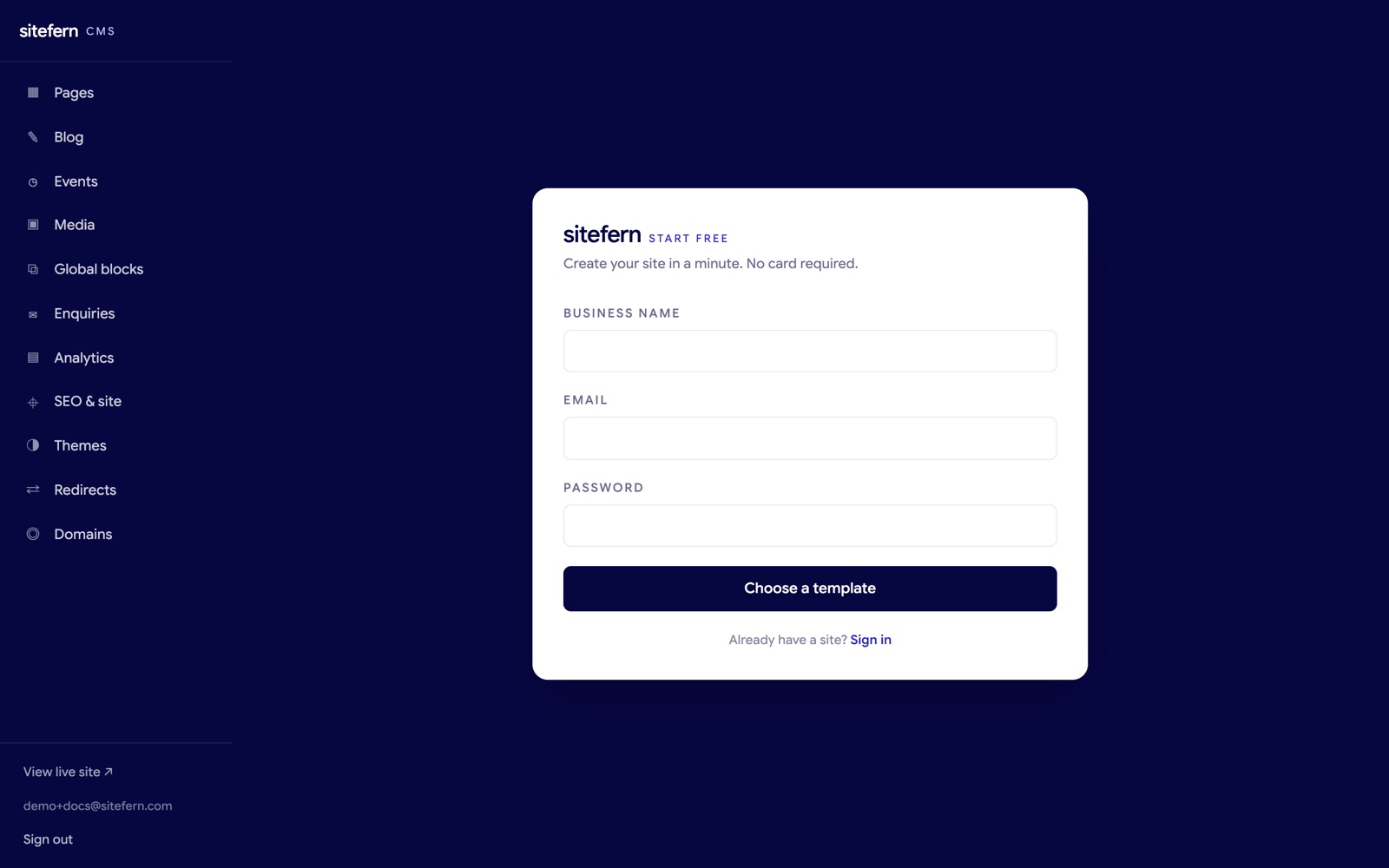
Three things happen in order. First you pick a finished template made for your line of work, so the design and a set of guide words are already in place. Then you enter your business name, an email and a password, which creates your account and your site together. Finally you land straight in the editor on a seeded home page, ready to change the words and pictures to yours. You are not staring at a blank screen at any point.
Finding your way around the admin
Everything you manage lives in the left sidebar, and it is the same on every screen. Each item is one area of your site.
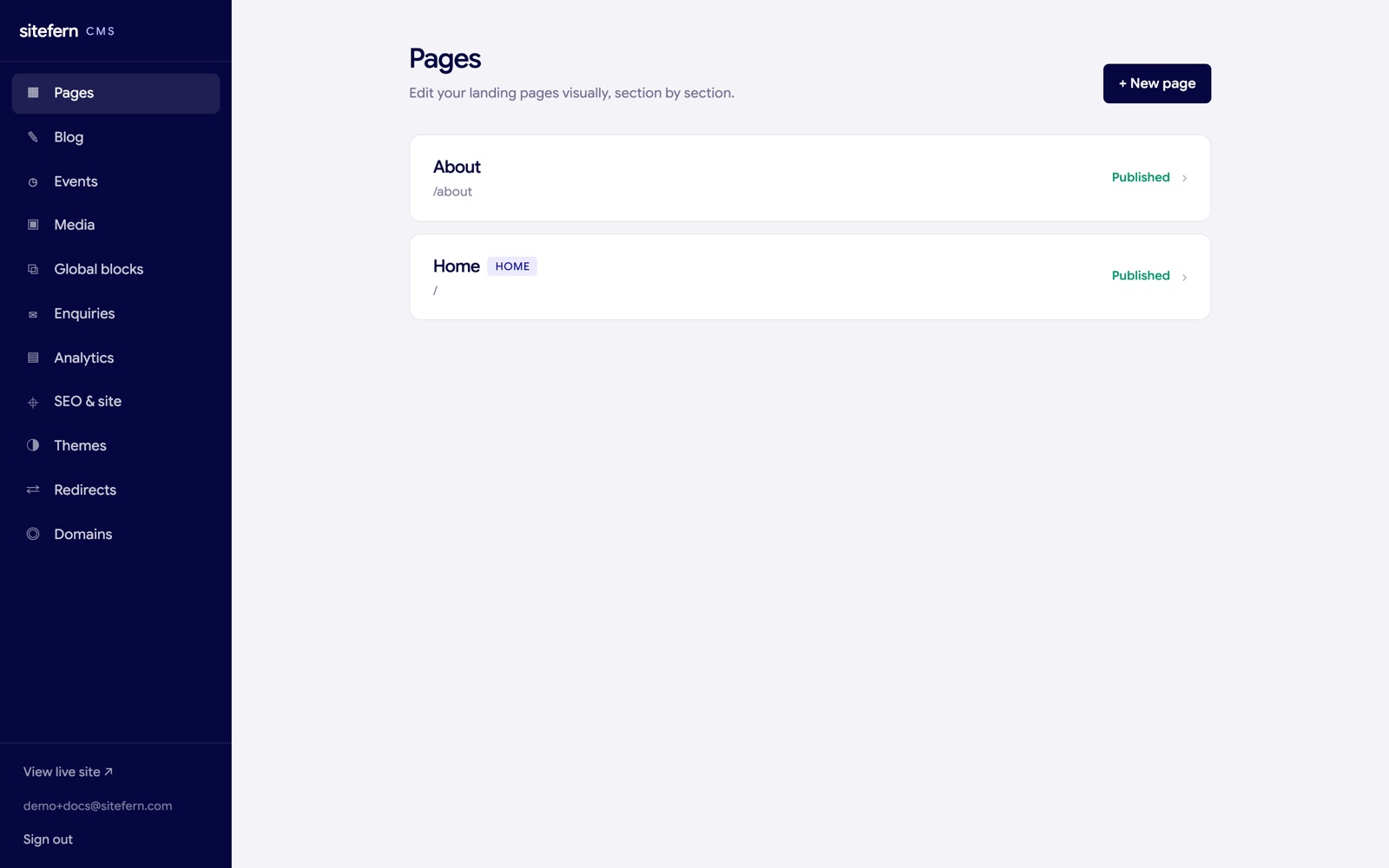
- Pages. Your landing pages, edited visually section by section. Covered in the visual editor.
- Blog and Events. Your articles and dated events. Covered in blog and events.
- Media. One library for every image you upload. Covered in media and global blocks.
- Global blocks. Shared blocks you edit once and reuse everywhere.
- Enquiries. Messages from your contact form. Covered in SEO, analytics and enquiries.
- Analytics. Privacy-friendly visitor stats.
- SEO and site. Search settings, social details and dark mode.
- Themes. Switch the look of the whole site. Covered in themes and custom domains.
- Redirects. Send old web addresses to new ones.
- Domains. Connect your own domain name.
At the foot of the sidebar there is a link to view your live site in a new tab, your email, and a sign out button.
Managing your account
Your account screen is where you change your password. It is reached from your email address at the foot of the sidebar.
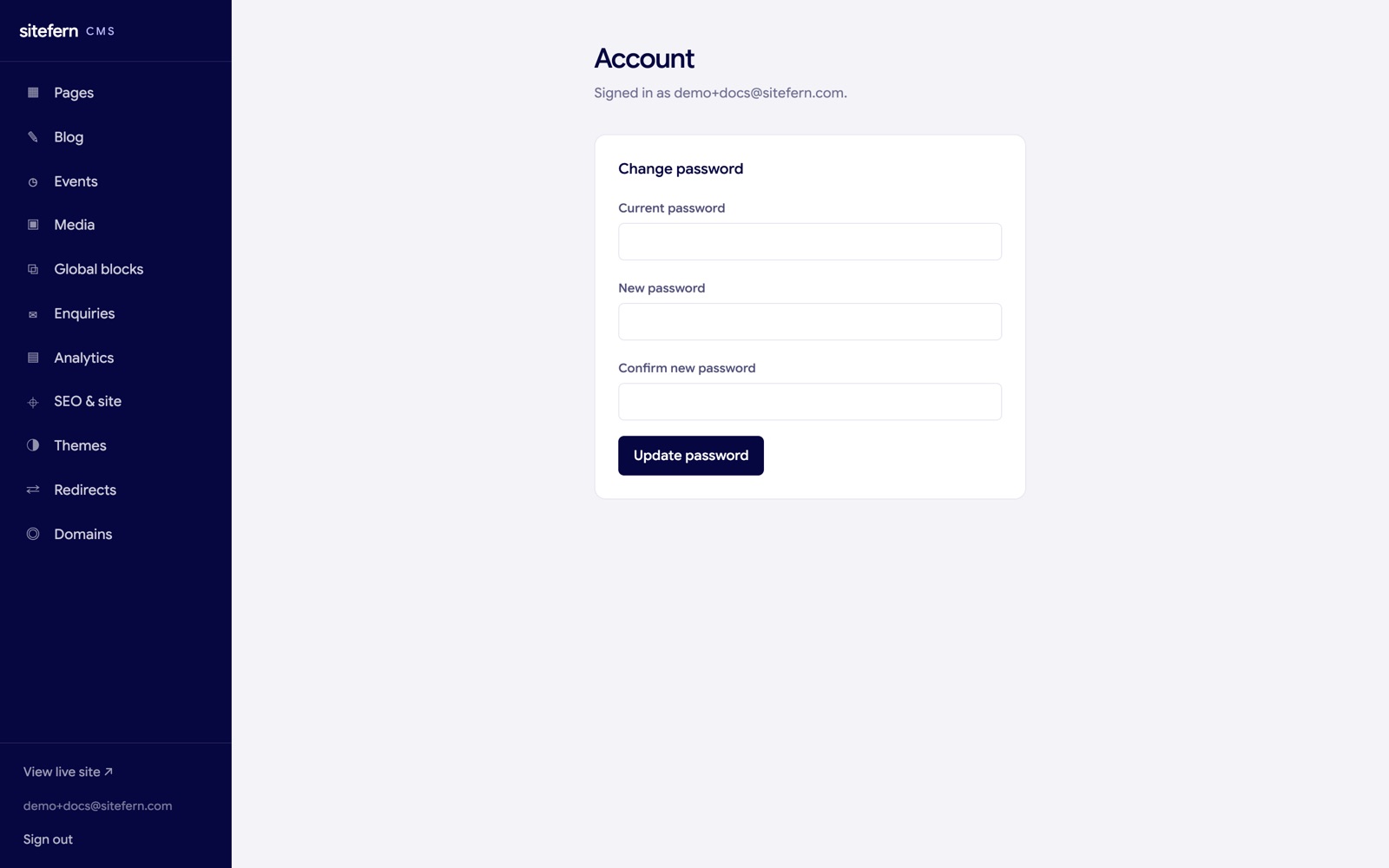
If you ever forget your password, the login screen has a reset link that emails you a secure link to set a new one, so you are never locked out.
Plans
You can do all of the above on the free plan, which is a real site on a sitefern address rather than a trial. Moving up to a paid plan is what unlocks your own domain, the premium templates, and higher limits. For the full breakdown of what each plan includes and what the platform handles for you, see plans and platform.